A simple, step-by-step guide full of practical tips to improve your website or app and create experiences your users will love.
Are you losing users to poor design?
No one likes a confusing website or app. Slow navigation, hard-to-read text, or frustrating errors can send users running. But you can fix all of this with the right tools. Our Notion checklist will show you exactly where things go wrong and how to fix them—step by step.
Stop guessing and start improving!
Viktoriia Berezhna
This checklist made it so easy to spot the problems with our site - and fixing them was even easier!"
Anastasiia Gunko
Our engagement went through the roof after using this. Such a game changer!
Make every interaction count
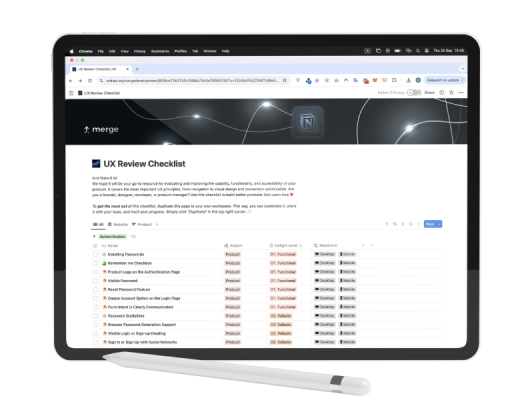
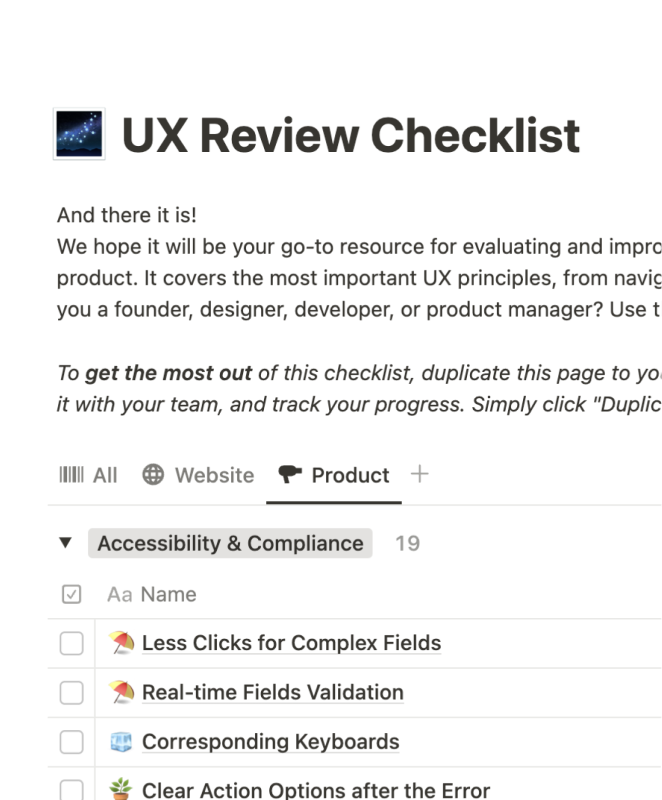
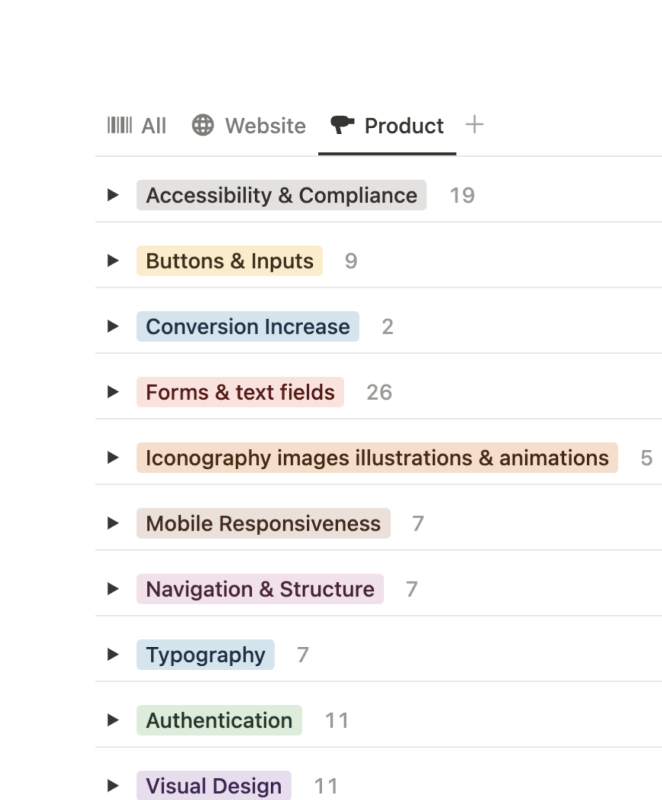
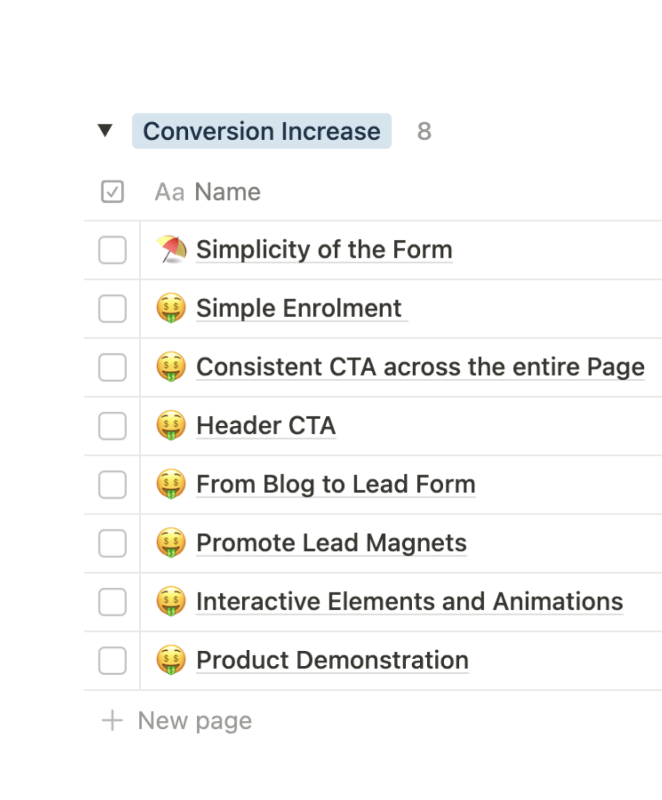
Our General UX Review Checklist in Notion will take the guesswork out of optimizing your product or website. With detailed checkpoints that cover accessibility, navigation, typography, and more, you’ll have all the tools you need to create intuitive and engaging digital experiences.
Uncover what's inside
Fix usability issues. Make sure your buttons, links, and forms work like they should.
Improve navigation. Help users find what they need fast.
Enhance accessibility. Design for everyone, no matter their abilities.
Boost mobile experiences. Make your product look and work great on every screen size.
Optimize visuals. Use images, icons, and animations that are not just pretty, but also functional.
Upgrade typography. Create text that’s easy to read and gets your message across.