0
Table of Contents
Best WordPress alternative for SaaS in 2026 (and how to switch)
See the full migration playbook for SaaS founders. Compare Webflow, Framer, HubSpot, etc.
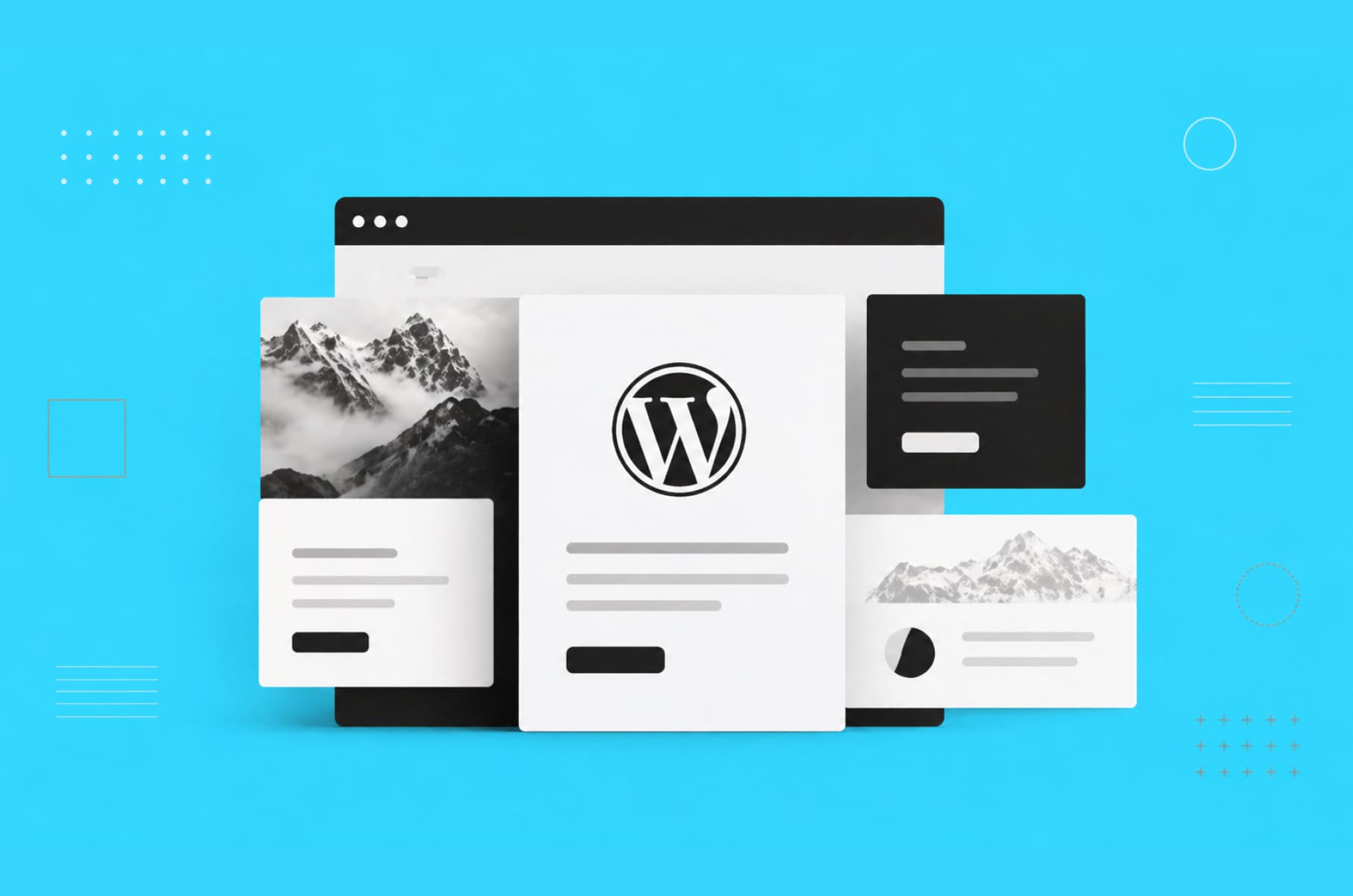
When it comes to running a SaaS site in 2026, the bar has quietly been raised, with higher expectations for page speed, security, editing velocity, etc. And somewhere in the middle of all that, a lot of teams are arriving at the same conclusion that their old WordPress setup is no longer working…
If you are a SaaS founder, head of marketing, or a product leader who inherited a WordPress site that is slow to edit, painful to secure, and expensive to maintain, we'll walk you through the best WordPress alternatives for SaaS in 2026.
Before we jump into the platforms, a quick reminder about us. As a UX design agency, our team at Merge has been building Webflow sites for SaaS alongside our design for a while now, so we hope you appreciate our experience-based advice.
Now back to the alternatives.
We have found that the best WordPress alternative for a SaaS company in 2026 is Webflow, with Framer and HubSpot CMS as close seconds. But it also all depends on your team.
You will see how the leading WordPress alternatives compare on page speed, editing experience, security, and total cost, and you will get a practical migration plan at the end.
Why SaaS companies keep leaving WordPress
WordPress still powers about 43% of the web, which is exactly why every WordPress alternative gets compared against it. Popularity, however, is not the same as fit. Once a SaaS team hits Series A traction, four pretty consistent reasons start pushing them toward searching for an alternative to WordPress.
First up is security. Sucuri's website hacked report consistently attributes around 95% of infected CMS sites to WordPress, and the attack surface is essentially the plugin ecosystem you depend on. A SaaS marketing site that collects demo requests, stores UTM data, and feeds your CRM really can't afford a supply-chain vulnerability sitting inside some unmaintained plugin.
Then there's performance. Core Web Vitals affect both your search rankings and your ad quality scores, which means slow pages cost you twice. A typical WordPress marketing stack stacks up on top of each other (page builder, caching plugin, image optimizer, analytics script, consent manager), and the LCP scores suffer. Webflow and Framer, by contrast, render from a global CDN with no plugin weight by default, and you can see it on the user metrics.
Editing velocity is the third one. Marketing teams at SaaS companies ship a lot of pages - product, industry, customer stories, changelog, paid landings. On WordPress, every non-trivial change routes through a developer or a fragile page builder. On a modern visual CMS, your marketer can build a landing page in an afternoon without breaking the design system. That difference can add up over a year.
Finally, the total cost. WordPress is technically free software, but the production version of it really isn't. Managed hosting (WP Engine, Kinsta), a premium theme, 10 to 20 plugins with annual renewals, a staging environment, backups, plus a retainer dev for maintenance - all of that adds up rather quickly. A modern WordPress alternative basically bundles those costs into one subscription with predictable support.
What a good WordPress alternative looks like
Before we start comparing platforms, let's pause for a second on what you actually need. A blog for a solo creator has fairly different requirements than a SaaS marketing site that has to support demo requests, gated content, pricing tests, and a full go-to-market stack.
When it comes to a good WordPress alternative for SaaS, the criteria that really matter look something like this:
- Editing without developers - your marketing team should be able to ship pages on their own;
- Built-in speed - fast pages without an optimization project on the side;
- A CMS your marketers actually use - collections, reference fields, friendly editor;
- Integrations with your go-to-market stack - HubSpot, Segment, Intercom, Calendly, Stripe, etc.;
- A clear hosting and security story - you don't want to be the one explaining CVE patching to your CEO.
Plus, you want predictable pricing as well. Finance teams really hate surprise plugin renewals.
Below is a quick look at how the main criteria map to the WordPress alternatives decision you are about to make.
Table 1: What SaaS teams actually need from a CMS
Requirement | Why it matters for SaaS | How WordPress handles it | What a good alternative delivers |
Non-developer editing | Marketing needs to ship pages weekly | Requires page builders and plugins | Visual CMS with components and collections |
Page speed by default | Core Web Vitals affect paid and organic | Needs caching, CDN, image plugins | Static publishing to a global CDN |
Security posture | Lead data and CRM at stake | Plugin attack surface, manual patching | Managed platform with centralized updates |
Integrations | HubSpot, Segment, Stripe, Chili Piper | Plugin-by-plugin compatibility risk | Native embeds, webhooks, open APIs |
Total cost clarity | Finance wants predictable spend | Hosting + plugins + dev time | One subscription plus a partner agency |
A/B testing and analytics | Growth need clean experiments | Third-party plugins | First-class support or clean integrations |
Now, back to the platforms themselves.
The best alternatives to WordPress for SaaS in 2026
So, where is the SaaS web stack actually headed? There are five platforms that cover pretty much every real decision today. They are either visual CMSs (Webflow, Framer, HubSpot CMS) or headless or publication-focused tools (Ghost, Sanity, Contentful). Each one has a clear use case.
Our goal here is to tell you what each WordPress alternative is best for, not to name a one true winner for every company.
Webflow
The Default Choice for SaaS Marketing Sites
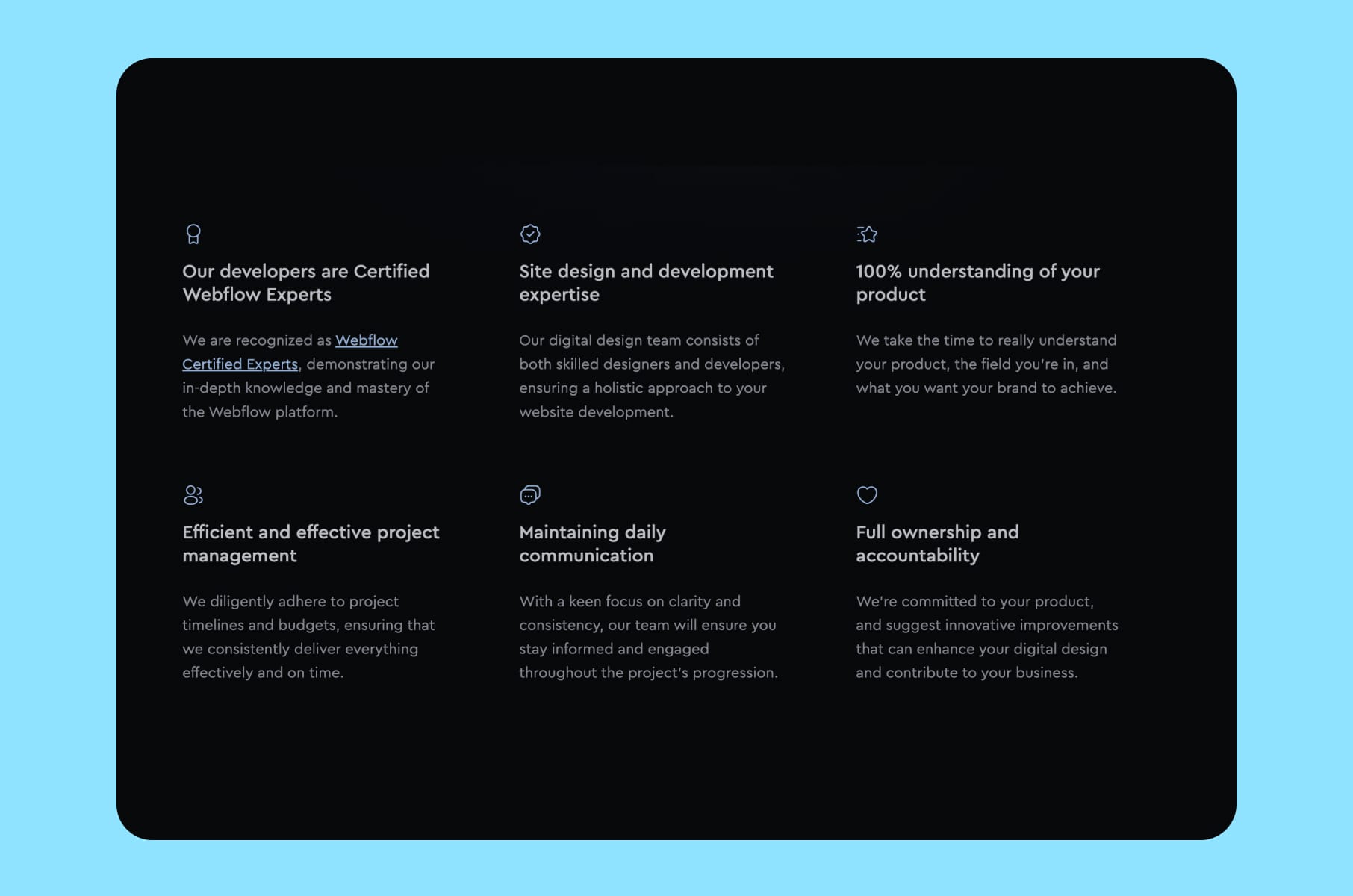
Webflow is the default best WordPress alternative for most SaaS companies, and for a fairly simple reason - it solves the two problems founders care about most.
Speed and editing.
Webflow sites render from a CDN, produce clean semantic HTML, and ship strong Core Web Vitals without a caching plugin getting in the way. The CMS itself is built around collections (blog posts, case studies, integrations, changelog entries) that your marketing team can edit without bothering a developer.
Companies like Upwork, Monzo, Dell, and Lattice have used Webflow for parts or all of their marketing surface, which tells you something. For a SaaS site with 30 to 200 pages, Webflow is essentially in the sweet spot as a WordPress alternative.
Our work with Agentless is a pretty good example of what a Webflow marketing site can look like for a security-focused SaaS that needs to ship pages quickly without a developer in the loop.

What Webflow doesn't do - it isn't a product runtime. You won't be building your app dashboard inside it. That's a feature, not a limitation. Keep the marketing site in Webflow and the product in your React or Next.js stack, while a good Webflow development partner builds the two so they feel like one product to your visitors.
Framer
When Design Velocity Is the Priority
Framer is a better-than-WordPress option for teams where the founder or head of design genuinely cares about motion, layout precision, and a Figma-like editor. It publishes fast static pages, has solid CMS collections, and ships native A/B testing and localization in the higher tiers.
Framer fits early-stage startups that want to move fast on a brand-led marketing site. It fits less well for enterprise-grade sites with complex content models, deep multi-language workflows, or heavy programmatic SEO needs. Webflow is usually the safer choice once you cross 100 pages and need CMS references between collections.
HubSpot CMS
Pick This If HubSpot Already Runs Your Growth
HubSpot CMS is a strong WordPress competitor for one specific situation. If your marketing and sales teams already run on HubSpot (MQL scoring, nurture campaigns, deal pipelines, chatbots), then HubSpot CMS just removes the integration work that other platforms require. Forms, pop-ups, workflows, smart content, reporting - all of it lives in one stack.
The tradeoff is price and flexibility. HubSpot CMS Hub starts around $25 per month for the Starter tier and jumps to $450 and $1,500 for Professional and Enterprise, and design freedom is somewhat lower than Webflow or Framer. For SaaS teams whose revenue engine literally lives inside HubSpot, that's usually worth it. For everyone else, it's overkill.
Ghost
The Cleanest Headless Blog
Ghost is the free alternative to WordPress for one rather narrow use case - a publication, or a blog-led SaaS company. It's open source, ships excellent default SEO, supports memberships and paid subscriptions, and runs fast out of the box. If your main traffic driver is long-form content and you want a platform that feels like Medium but that you actually own, Ghost is probably the right choice.
Mind you, Ghost is not a marketing website platform in the way Webflow is. You'll hit walls building product pages, comparison pages, and complex landings. Plenty of SaaS teams run Ghost on the blog subdomain and Webflow on the main marketing site, and that split works rather well.
FYI, this blog you are reading runs on Ghost, while the rest of the site is on Next.js. So far, so good, and quite user-friendly (writer's remark).
Headless
Sanity, Contentful, or Strapi With Next.js
The full headless option is a WordPress alternative for teams with a product engineering culture and a real reason to unify marketing and product on the same stack. Sanity, Contentful, or open-source Strapi all act as the content repository. A Next.js or Astro front-end renders the pages. The result is fast, fully custom, plus engineering-controlled.
Headless is the right answer for developer-tool companies, API-first products, and teams where the marketing site needs to pull from the same product data as the app. It's the wrong answer for most B2B SaaS teams, however, because every content change now involves engineering capacity - and your marketers lose the autonomy that pushed them away from WordPress in the first place.
Drupal and the legacy crowd
Drupal is still a viable and similar to WordPress option for public sector, education, and heavily governed enterprise sites. It offers more granular permissions and content workflows than WordPress out of the box. For SaaS companies under 500 employees, however, it's almost always the wrong fit. The editing experience and the learning curve override the speed advantage you'd otherwise get from a modern CMS.
Other names that pop up in searches for "WordPress alternatives open source" (Joomla, TYPO3, Concrete CMS, Grav) are legacy or niche choices. They aren't really what a 2026 SaaS team should be evaluating. In our opinion, stick with the five above.
Table 2: Platform comparison at a glance
The comparison below captures the practical tradeoffs. Prices are public starting tiers for a marketing site and ignore seat-based add-ons.
Platform | Best for | Editing | Speed out of the box | Starting price | Dev involvement |
Webflow | SaaS marketing sites | Visual CMS, strong components | Fast (CDN + static) | $14 per site / $23 CMS | Low after setup |
Framer | Design-led startups | Figma-like canvas | Fast (CDN + static) | $15 per site | Low after setup |
HubSpot CMS | HubSpot-native teams | Block-based editor | Good with caching | $25 / $450 / $1,500 | Medium |
Ghost | Blog-led publications | Clean writing UI | Fast out of the box | $9 self-hosted / $25 Pro | Low |
Headless (Sanity + Next.js) | Dev-heavy product teams | Structured content editor | Fastest if built right | $0 Sanity free tier | High |
WordPress (reference) | Generalist sites | Gutenberg + page builders | Requires tuning | $0 software + hosting stack | High ongoing |
Webflow is the default recommendation for the SaaS use case. The next section explains why in more detail.
Why Webflow wins for SaaS marketing sites
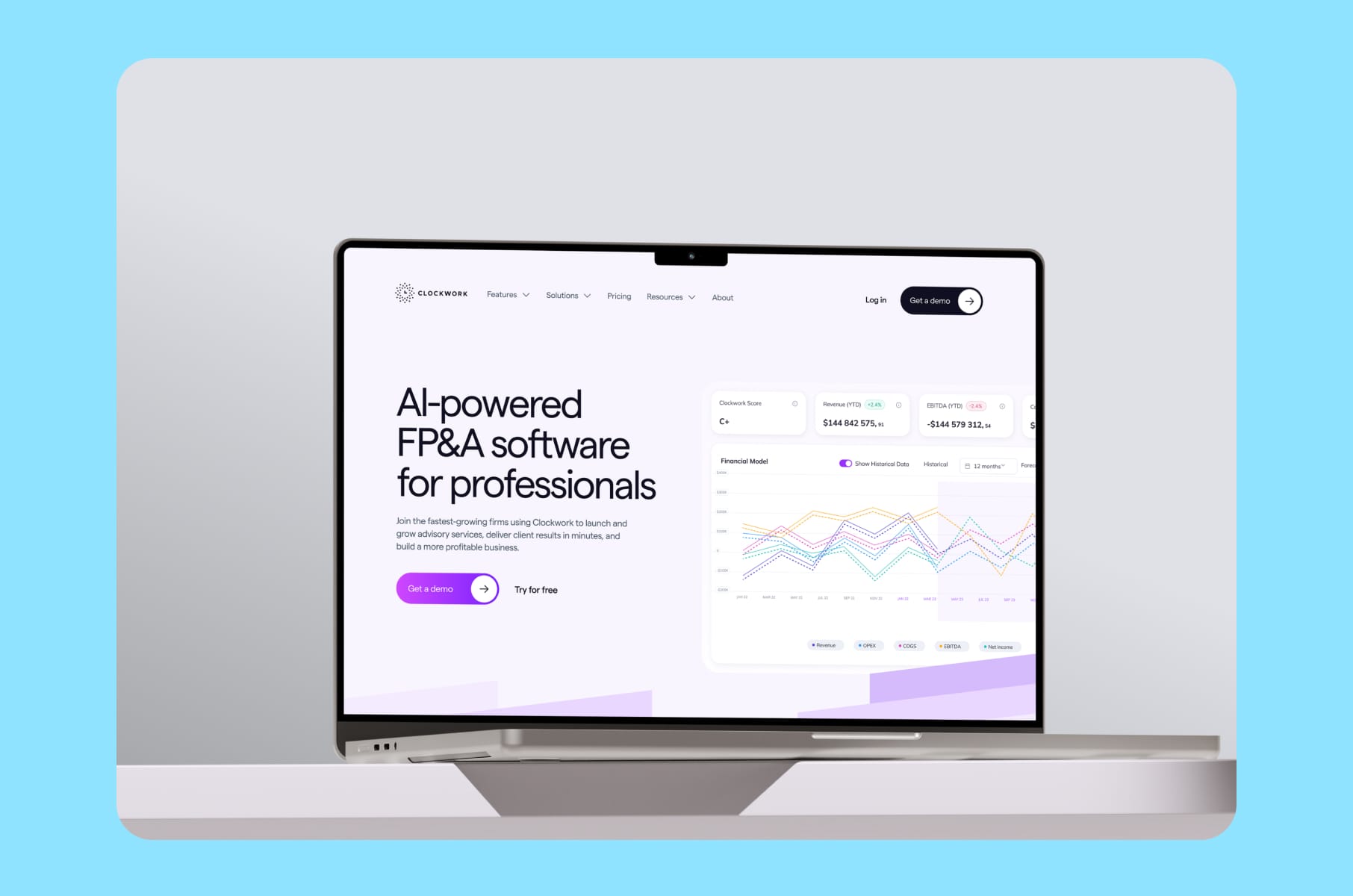
Webflow wins for SaaS for these four reasons:
- It removes the developer bottleneck without giving up design control.
A good SaaS marketing site needs a design system - consistent type, spacing, components, motion. Webflow lets your designers build that system once, and your marketers build pages from it. WordPress page builders either let your marketers break the system or lock them out entirely. Webflow is somewhere in the middle, which is exactly where you want to be.
- It ships fast pages without an optimization project on the side.
Core Web Vitals matter for SEO and paid ads, and Webflow hosts on AWS behind a global CDN, with images converted and served straight from the CMS. Teams coming off WordPress often see LCP drop from around 3 seconds to under 1.5 seconds on the same content, before any further tuning.
Our rebuild for Clockwork is a good example of this - the new site ships fast Core Web Vitals straight out of the box, with no caching plugin glued on the side.
- It plugs into the rest of the SaaS stack.
HubSpot, Segment, Intercom, Calendly, Chili Piper, Stripe, Clearbit - all of it drops in with embeds or native connectors. Your RevOps team isn't stuck maintaining WordPress plugins that might break on the next core update.
- It scales with your content strategy.
Webflow's CMS collections handle programmatic SEO patterns (industry pages, integration pages, location pages, comparison pages, customer stories) without a custom build. This is essentially how SaaS companies compound organic traffic, and WordPress sites usually need a developer to reproduce it.
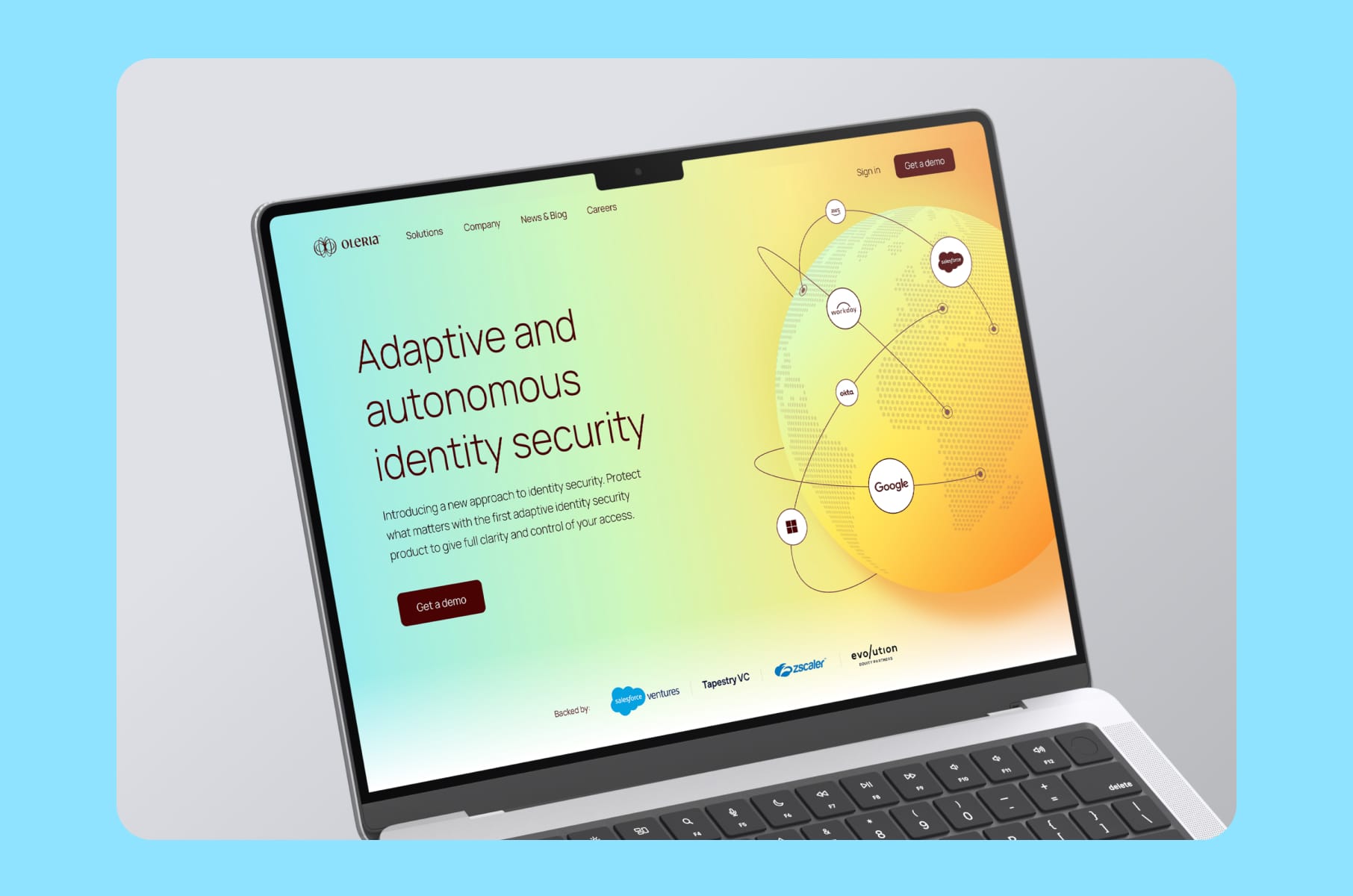
Take our work with Oleria, for example. They now have a SaaS marketing site built on Webflow CMS where the marketing team can spin up new industry pages, integrations, and customer stories on their own, without an engineering ticket.
On the flip side, Webflow's e-commerce is fairly poor (but it’s not really relevant for most SaaS anyway), it doesn't natively localize into 20 languages (use Weglot or a headless approach for that), and pricing gets steeper above 10,000 CMS items. For a typical SaaS marketing site, none of those make a huge difference.
For a longer view on what good actually looks like, see our breakdown of the best SaaS website designs - pretty much every site on that list ships on Webflow, Framer, or a headless stack.
WordPress alternatives on cost, speed, and security
Every WordPress-similar comparison eventually reduces to three numbers - what it costs, how fast it serves pages, and how often it gets hacked. Below is a somewhat realistic year-one picture for a SaaS marketing site of around 80 pages and 200 CMS items.
Table 3: Year-one total cost of ownership
Line item | WordPress (managed) | Webflow CMS | Framer Pro | Headless (Sanity + Next.js) |
Platform / hosting | $600–$1,200 (WP Engine) | $276 (CMS site plan) | $180 | $0 Sanity free + $240 Vercel |
Premium theme or template | $59–$299 one-time | Included | Included | N/A (custom) |
Plugins / integrations | $500–$1,500 per year | Mostly included | Mostly included | Built by engineering |
Developer maintenance | $3,000–$8,000 per year | $0–$2,000 | $0–$2,000 | $10,000+ per year |
Security / patching | Included in host or $500+ | Platform-handled | Platform-handled | Engineering time |
Typical year-one spend | $4,000–$11,000 | $300–$2,300 | $180–$2,200 | $10,000–$25,000 |
Webflow and Framer are significantly cheaper for the same output. Headless is the most expensive option, and it really only makes sense if your marketing and product stacks need to share infrastructure. WordPress is somewhere in the middle on cost and at the top on ongoing risk.
When it comes to security:
- WordPress requires active maintenance to stay safe.
- Webflow, Framer, and HubSpot handle patching centrally.
- Headless platforms push the security question to your engineering team, which is fine if you have one.
This is usually the reason SaaS companies pick a managed WordPress alternative over self-hosted WordPress because the time you reclaim from patch management gets reinvested into growth work.
How to switch from WordPress to Webflow (or Framer)
Migration is where projects go sideways. The goal is to move the site, keep your rankings, and not lose a single lead during this time. This is what the process looks like when it’s done well.
Step 1: Audit your current site
Export your WordPress content. Pull every URL from Google Search Console. Identify your top 20 pages by organic traffic and your top 20 by conversions - these are the ones that get the most attention during the migration, because they carry the most risk.
Then map the existing content model (what counts as a blog post, a case study, a product page, a resource). This becomes the CMS structure inside Webflow.
Step 2: Rebuild, don't copy-paste
A good migration is more like a redesign. Rebuilding in Webflow, for example, is a chance to fix the IA issues, the inconsistent components, and those accidental 400 pages that you can usually find inside a three-year-old WordPress site. A focused rebuild typically lands between 40 and 120 pages and ranks better than the 400-page version it replaces.
Design and build using a component system so your marketers can reuse blocks without breaking layouts. Don't recreate the page builder chaos you just left behind.
Step 3: Preserve URLs and SEO equity
This is the step where most migrations go sideways. You need to keep your URL structures identical wherever possible. For every URL that has to change, set a 301 redirect from old to new. Rebuild your sitemap and resubmit it in Google Search Console the day you launch. Be sure to preserve canonical tags, meta titles, meta descriptions, and schema markup as well.
Plus, export and re-implement your internal linking in the same structure. The internal linking graph is an asset you already paid for with years of content work, so don't throw it away.
Step 4: Cut over in a low-traffic window
First, schedule the DNS cutover for Friday evening or Sunday morning, depending on where your audience is. Keep the old site accessible for 72 hours behind a staging URL in case you need to reference something.
Then, monitor your Google Search Console for crawl errors in the first week. A well-executed migration recovers any temporary ranking dip within 2 to 4 weeks, and often ends up higher than before because the new site is just faster.
Step 5: Plug into the go-to-market stack
Reconnect HubSpot or Marketo forms, reinstall Segment or GA4, set up your CRM routing rules (Chili Piper, Calendly, Default.com), and verify every conversion event. Run a pixel audit before launch, so Google Ads, LinkedIn, and Meta keep attributing correctly.
Need a hand running the migration? Have a look at our Webflow development services - we handle audits, rebuilds, 301 strategies, and go-to-market integrations for SaaS and Fintech teams.
More tips for picking the right WordPress alternative
A few extra things we wish more teams thought about before starting the migration:
- Talk to your marketers first. They're the ones who will live inside the CMS every day. If they hate the editor, your platform choice is already wrong, no matter what the table above says.
- Pick a platform with a healthy partner ecosystem. Webflow, Framer, and HubSpot all have certified agencies that can step in when your team is shorthanded.
- Check the export story. A platform that locks your content in is a problem you'll feel in three years, not in three weeks.
- Don't migrate during a launch quarter. Migrations slow down content velocity for at least a month - don't stack them on top of a product launch or a paid campaign push.
- Budget for a small content cleanup. You'll find duplicate posts, broken assets, and orphan pages. Fix them while you're already in the rebuild phase.
- Don't underestimate the post-launch optimization work. Even on a fast platform like Webflow, there's still a layer of tuning that pays off rather quickly - our in-depth guide to Webflow optimization walks you through pretty much every lever, from image strategy to animation budgets and font loading.
Frequently Asked Questions
What's the best WordPress alternative for a small SaaS team?
For most small SaaS teams, Webflow is essentially the best WordPress alternative. It lets non-developers ship pages, produces fast sites by default, and scales past Series A without a replatform. Framer is a close peer for design-led startups, and Ghost fits content-first companies pretty well.
Is there a free alternative to WordPress?
The main free alternative to WordPress is Ghost (open source), along with Strapi as a headless CMS. Both require self-hosting and engineering effort, so "free" is somewhat misleading at scale. Webflow and Framer have free starter tiers that work for a landing page but not a full SaaS marketing site. If total cost rather than license cost is what you actually care about, Webflow usually ends up cheaper than self-hosted WordPress once maintenance is counted in.
What's better than WordPress for SEO?
Webflow, Framer, and headless stacks on Next.js generally ship better Core Web Vitals out of the box than WordPress, which helps your rankings. What's better than WordPress for SEO basically comes down to page speed, clean HTML, and schema support - and all three platforms meet those bars. Mind you, the CMS itself is rarely the ranking ceiling. Content depth and internal linking are.
Are there WordPress alternatives that are open source?
Yes. The notable open-source WordPress alternatives are Ghost (blogs and publications), Strapi (headless CMS), Drupal (enterprise sites), and Payload CMS (modern headless built on Node.js). For SaaS, Strapi and Payload are the most relevant if you really want full control over the stack.
How long does a WordPress to Webflow migration take?
A typical SaaS migration for a 40 to 120-page marketing site takes 4 to 8 weeks with a dedicated agency, including audit, redesign, rebuild, migration, and launch. Larger sites with 300-plus pages or heavy content models push the timeline to 10 to 14 weeks. The design phase is where most of the time is spent, not the technical migration.
Will moving away from WordPress hurt my rankings?
Not if the migration preserves URLs, installs 301 redirects, and keeps schema and metadata intact. Most SaaS teams see a temporary dip of 2 to 4 weeks, followed by a net gain driven by faster pages and cleaner IA. The risk lies in the details of the migration plan, not in the decision to switch.
What are the main WordPress competitors for enterprise SaaS?
For enterprise SaaS, the leading WordPress competitors are Webflow (Enterprise plan), Contentful, Sanity, and Adobe Experience Manager. Contentful and Sanity are the headless picks. Webflow Enterprise covers teams that want a visual CMS at scale. AEM is usually the answer only when procurement already owns Adobe.
Wrap-up
The right WordPress alternative depends on your team, but the decision itself is rarely the hard part. The migration is.
If your site is on WordPress and your marketing team cannot ship without engineering help, the fastest path to fix that is with a partner who has done it before.
We at Merge believe a SaaS marketing site should never be the bottleneck for growth - and if you'd like a hand making yours work that way, our Webflow migration team ships SaaS rebuilds in 4 to 8 weeks with rankings preserved and a CMS your team will actually enjoy using. Stay tuned for more!