0
Table of Contents
10 urgent things to do before a website redesign
A website redesign succeeds or fails before the first screen is designed.
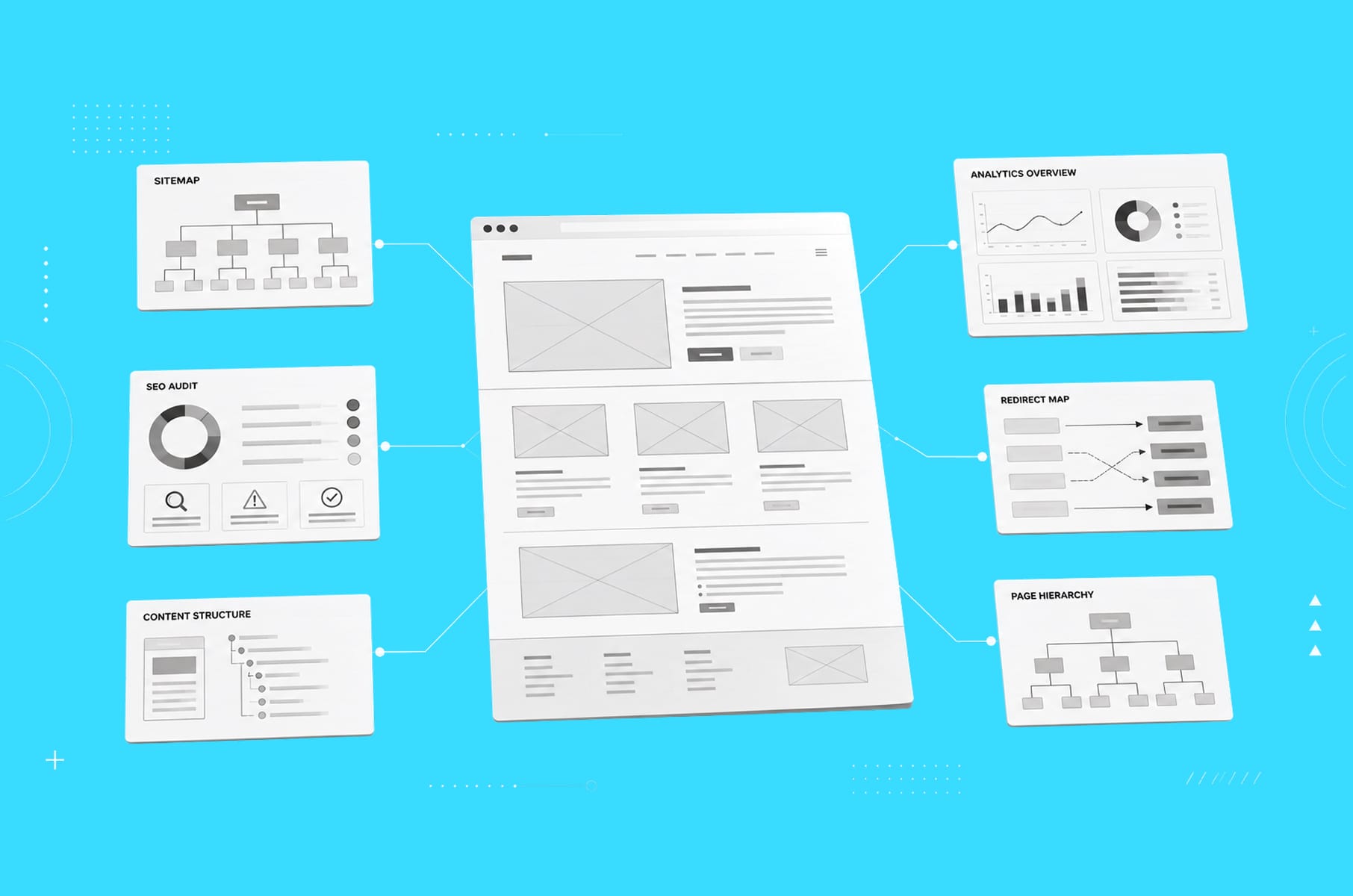
A website redesign succeeds or fails before the first screen is designed, and here's why we're fairly confident about that.
By the time anyone opens Figma, most of the outcome is already settled by things that either happened or didn't: whether you wrote down what "before" looked like, whether you know which URLs carry your traffic, whether your team can agree in one sentence on who the site is even for. Design can't repair any of that later. It can only make it look nicer.
So this guide is for founders and product owners planning a business website redesign, and it walks through the ten things our team would do first, in the order we'd do them.
A redesign website project is not one thing, though. For some companies it means new visuals on the same structure, for others a full teardown with a new sitemap, new copy, and a new platform. The ten steps apply to both, but the stakes rise quite a bit with the second kind, and we'll show you where.
Our team at Merge has done website redesigns for both big companies and startups from Seed to Series B for years now, and we've written before about what a website UX audit costs and the 9 questions to answer before hiring a B2B web design agency.
Let’s now learn everything that should happen before the web redesign itself kicks off.
Why redesign a website at all?

Because your website is doing sales work whether you like it or not. 75% of users judge a company by its site design. Nobody emails you to say your homepage made them wonder whether you're still in business. They just don't book the call.
The commercial triggers are usually pretty concrete:
- The brand has outgrown the visuals.
- The product story changed (an AI pivot, a new ICP, a rename) and the site still tells the old one.
- Conversion sags while paid traffic gets more expensive.
- Or the site has become a patchwork of pages added by different people over the years, and nobody remembers why the redesign kept getting postponed.
When we redesigned Jurny's site, the trigger was exactly that: an AI-first repositioning the old marketing site simply couldn't handle.
Founders type "why redesign website" into Google and usually mean something quite specific by it - is this worth doing when the current pages technically work? The answer is that "technically works" and "actually successful" are two totally different standards.
The 10 urgent things to do before your website redesign starts
These ten are not a checklist. We’d like to call them a “dependency chain” because when the benchmark tells you what the audit should look for, the audit tells you how deep the redesign needs to go. That sets the budget, which then shapes the scope, and the scope decides what you research. So, it is a chain.
What’s annoying is that most of them may seem like invisible work, but they will save your new, upgraded website in the end.
1. Benchmark your current performance
You can't prove a website redesign worked if you never recorded what "before" looked like. Pull your analytics and write the baseline into an actual document your whole team can see.
Here's what we record before touching anything:
Metric | Where to get it | Why it matters |
Organic traffic by page | GA4 + Search Console | Shows which pages earn their keep and must be protected |
Conversion rate per key page | GA4 events | The number the redesign will be judged on |
Top keywords and rankings | Search Console, Ahrefs | Your SEO inheritance - lose it and traffic goes with it |
Page speed and Core Web Vitals | PageSpeed Insights | Sets the floor the new site must beat |
Bounce and scroll depth on key pages | GA4, heatmap tool | Reveals where visitors give up today |
Backlinks by URL | Ahrefs or similar | Tells you which URLs carry authority you must redirect |
Mind you, the point is not the spreadsheet. The point is what happens after launch, when somebody asks whether the redesign worked. Ideally, you open the baseline and compare.
There's a stronger reason as well, and it's the one that costs money. A bad redesign rarely produces a sudden drop. Instead, organic traffic might drift down 15% over four months, which looks an awful lot like seasonality, a competitor's content push, or an algorithm update - unless you have per-page numbers from before to compare it against.
Without a baseline, the drop is pretty much invisible, and you'll spend a lot of time debating what caused it rather than fixing it.
2. Run a UX and content audit of the current site
Next up is figuring out what's actually broken, because we don’t need a redesign that fixes imaginary problems. A proper audit is looking at every key page and asking if this page does its job and how we know that.
The UX half looks at navigation, page structure, forms, mobile behavior, and anything that slows people down on the paths that lead to a demo or signup.
The content half is a page-by-page inventory of what's outdated, what's duplicated, and what's still ranking well and must be untouched.
On nearly every audit we run, we find a handful of forgotten pages that drive a surprising share of organic leads. Those pages are worth a lot, and deleting them by accident is one of the most common mistakes teams make in a website redesign process.
By the way, we published a free, step-by-step website UX audit guide with the exact checklist our team uses.
3. Crawl the site and build a URL inventory (your SEO insurance)
Now, here’s how to make your web redesign even safer. Before anyone changes a single URL, crawl the entire site with a tool like Screaming Frog and export every URL, its title, its status, and its internal links.
Google's own site migration documentation recommends that every old URL that changes needs a 301 redirect to its closest new equivalent.
Why is this so urgent?
Because redirects are where redesigns lose traffic in a way that is not easily noticeable. Google may treat a mismatched redirect as a soft 404 that passes no authority at all, and that's the bit that catches people out. A redirect pointing at a loosely related page looks completely fine in a browser. You click it, a page loads, nothing appears broken, but later, the rankings that URL used to hold are gone, and nobody may connect it because a lot of stuff happened in between.
So the inventory is really the other half of the insurance from step 1. When your benchmark tells you the numbers moved, the crawl will then let you say why.
Search Engine Land advises saving a full copy of the pre-launch crawl for exactly that reason, so you can diagnose a problem months later, when the site that caused it no longer exists.
The same principle rules out one more common move: don't stack a domain change, a content overhaul, and a website redesign into a single launch. If traffic drops, you won't be able to tell which change caused it, and a cause you can't name is a problem you can't fix. Build the redirect map before design starts, not later
4. Decide how deep the redesign should go
In our opinion, not every underperforming site needs a full redesign. Often, companies would jump to radical redesigns when incremental changes would deliver more value with less risk.
So before you commit to a full redesign site project, decide which situation you're actually in:
Situation | What you likely need | Typical effort |
Visuals feel dated, structure works, traffic is healthy | Visual refresh: new UI on the existing sitemap | 3-6 weeks |
Conversion is weak on specific pages | Targeted revamp website work: rebuild key pages, keep the rest | 4-8 weeks |
Positioning changed, story no longer fits, IA is a mess | Full website redesign: new sitemap, new copy, new design | 2-4 months |
Platform blocks every update, tech debt everywhere | Redesign plus replatform (often to Webflow) | 3-5 months |
The urge to change structure, copy, and design all at once is understandable, but scope should follow the evidence from steps 1 and 2 in our guide rather than the mood in the kickoff meeting.
When we worked with Bytek, for example, the evidence pointed to a full restructure: they were pivoting from an agency image to a product-first brand, so navigation, page architecture, and copy all had to change together. For plenty of other clients, a focused sprint worked just fine.
This decision also sets your budget. A visual refresh and a long, gradual rebuild can differ in cost by 5-10x.

5. Talk to your users before you talk to us
The thing about analytics is that it tells you where people drop off, but it rarely tells you why. That gap gets filled by actual research, for example, 5-10 user interviews, session recordings, and heatmaps on your highest-stakes pages.
You may overestimate how long this takes. It's actually fast. A week of calls with recent customers, and more usefully with recent almost-customers who chose a competitor, will already tell you the problem. Just ask:
- What they expected to find.
- What confused them.
- What nearly stopped them from booking a call.
We've been at this for eight years and wrote a guide to the user research process in practice separately. Spoiler alert: you need far less of it than you fear, and it saves far more than it costs.
If your team has no bandwidth at all, we have dedicated user research services just for that.
6. Fix your message before your visuals
A website redesign should also serve your positioning. Otherwise, the new visuals are going to be just as confusing.
You need to firmly know who this site is for, what they get, and why you're better than the alternatives.
If the leadership team cannot agree on these questions, the project has a positioning problem rather than a design problem. Without a shared understanding of the company’s story, design feedback becomes subjective and successive revisions fail to produce meaningful progress.
Resolve the narrative before beginning visual design. For instance, draft the homepage headline and the five primary page titles in a plain document, without anything - no typography, color, imagery, or motion. This forces the team to evaluate the message on its own merits. If the structure and positioning are clear in text, the design can reinforce them. If they are not, further design work will not resolve the underlying disagreement.
Now is also the moment to check brand direction. If the visual identity itself is the outdated part, fold that decision in here rather than mid-project, when it turns into a re-do of everything already approved. Our guide to brand identity design for startups covers how to tell whether you need a brand evolution or just better execution of the brand you already have.
7. Study your competitors properly
Your visitors don't judge your site on its own. They compare you to others, and so should you if you want to be better.
Explore three to five competitor sites as your user would, and note how they structure navigation, how they explain pricing, and what proof they lead with. You will learn what your users expect, which is what your competitors did right, and also the gaps, which will give you the opportunity to fix them yourself and make it your competitive advantage.
Check out our SaaS product page design teardown for basically the same exercise.
One warning, though. Competitor research done after design starts turns into "can we make it more like X?" feedback, which is the fastest route to a site built out of other people's ideas. Do it now, write down the conclusions, then let your own positioning lead.
8. Lock scope, budget, timeline, and one decision-maker
What we’ve also learned from years of doing website redesigns is that most of them don't stall on design. They stall on deciding. That happens when decisions are unclear or distributed across too many stakeholders.
So before kickoff, write this down:
- Scope.
Define which pages, templates, and features are included, which are excluded, and what completion means for each deliverable. Distinguish between individual pages and reusable templates to avoid inflating the scope.
- Budget and contingency.
Whatever the quote says, reserve 15-20% for the things discovery uncovers. Something always comes up, and a contingency reduces the risk of delays or renegotiation when additional work becomes necessary.
- Timeline.
Set milestones and a final deadline tied to a specific business objective, such as a product launch, campaign, conference, or funding announcement. Concrete deadlines make prioritization and scope decisions easier.
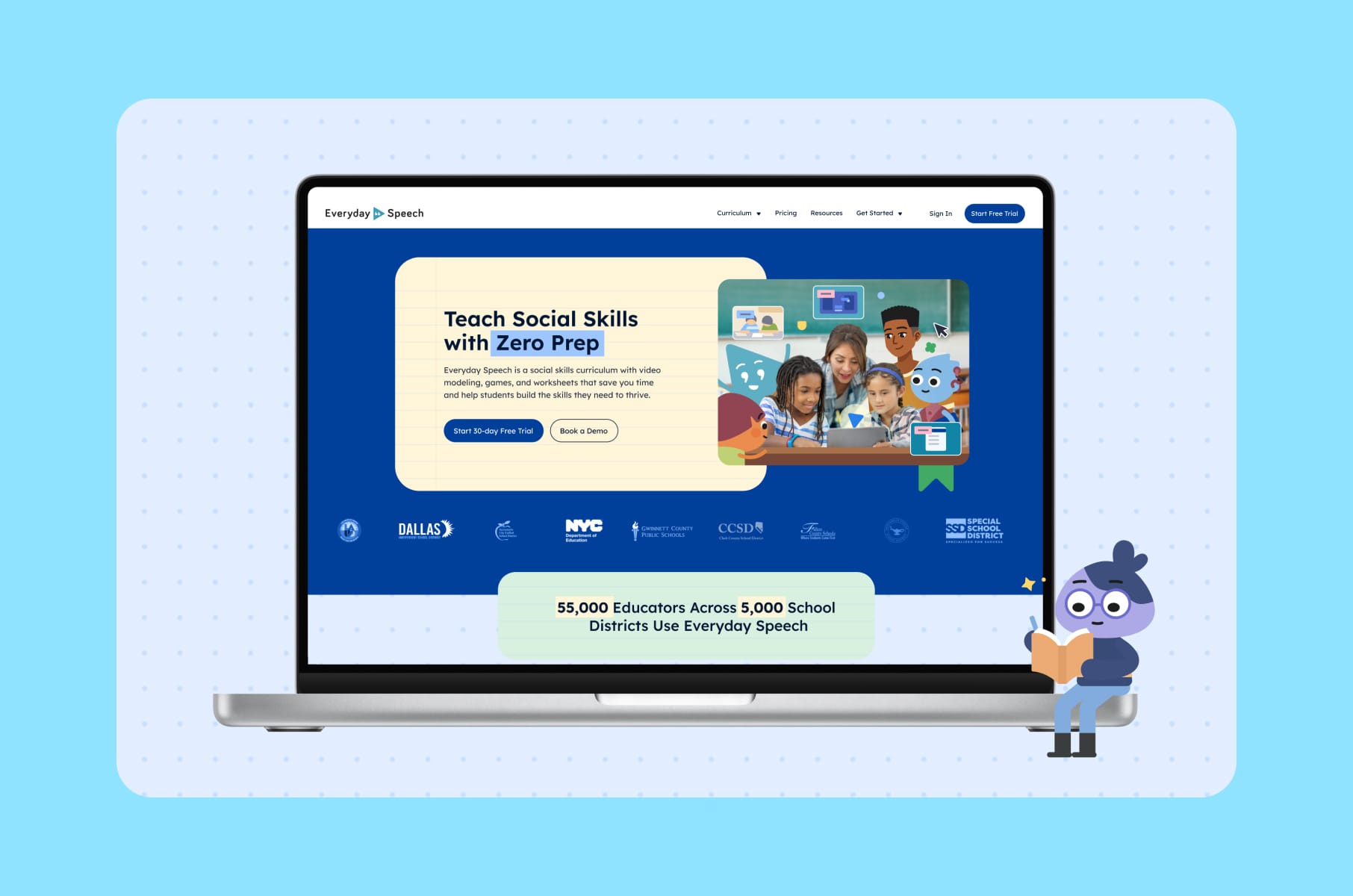
For example, when we rebuilt Everyday Speech's site, the school-year start was the deadline, and it helped with the scope.
- Decision-maker.
Assign one person to resolve conflicting feedback and approve deliverables. Other stakeholders can provide input, but final authority should be explicit.
Document the review process as well: where feedback will be collected, when it is due, and how conflicts will be resolved. A defined approval structure prevents contradictory instructions and repeated review cycles.
If you're also picking an external partner at this stage, we've covered how to pick the right web design company separately, including the questions that expose a weak process fast.
9. Sort out the technical foundation
The platform question deserves an answer before design, because it limits what design can do. If marketing can't edit pages without a developer today, fix that during the redesign. It's a big reason many of the startups we work with move to Webflow. Our Webflow development services exist mostly because founders got tired of platform issues.
Beyond the CMS, run through a short technical list:
- Integrations inventory. Forms, CRM, analytics, chat, scheduling, payment. List every tool wired into the current site.
- Performance targets. Set them numerically from the start. 53% of mobile visitors leave a page that takes over three seconds to load, so "feels fast" is not a spec.
- A design system, even a small one. Reusable components and CMS templates let the site scale after launch instead of getting messy again. This is how the redesign website investment keeps paying off in year two.
- Backups and staging. A full copy of the current site, and a staging environment where the new one gets tested. Simple to set up, and still skipped surprisingly often.
10. Plan the launch and the 90 days after it
A website redesign doesn't finish at launch. Your pre-launch plan should include:
- Testing every redirect.
- A technical SEO pass (meta titles, sitemaps, canonical tags, structured data).
- Cross-device QA.
- A rollback plan in case something critical breaks.
Monitoring is the part almost everyone underestimates. Google needs weeks to re-crawl and re-index a changed site, so watch Search Console daily for the first two weeks and weekly after that. Some ranking wobble is normal and settles on its own. A sustained drop on pages that used to earn traffic means a redirect or a content gap.
Treat the first 90 days as time to keep improving. Watch the heatmaps, compare conversion against your baseline, and fix the three biggest problems you find.
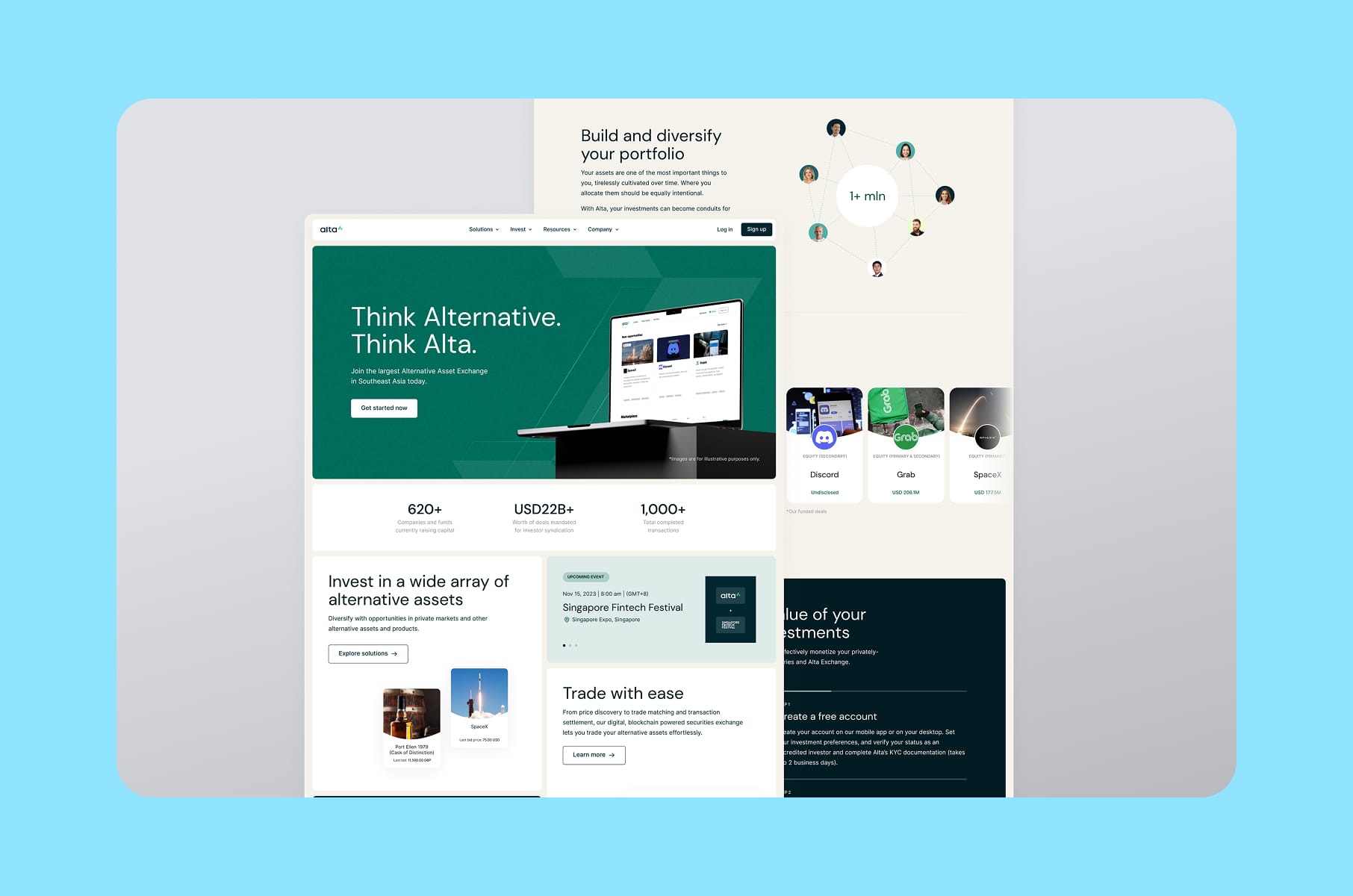
That's how Alta's redesign went from "new site live" to a measurably better mobile experience.
What this preparation buys you
These ten steps add up to two to four weeks of work, most of it internal, which feels slow when the team is eager to see new designs.
But every hour here saves you several later: fewer redesign rounds, no lost rankings, no week-one scramble to restore a deleted page that was quietly driving demo requests. Brief an agency after doing this homework, and you'll get sharper proposals and better pricing.
And if you'd rather have a partner run the whole thing, this is the planning and discovery phase of our own website redesign services: we benchmark, audit, and map before we design, then build a conversion-focused site on that foundation.
How to redesign a website safely comes down to doing things in that order. We've broken down the same thinking from the product side in our piece on the startup design process that prevents rebuilds.
Wrap-up
The ten steps above are one idea repeated in ten places: a website redesign succeeds or fails before the first screen is designed. Benchmark the numbers so that months later you can tell whether anything actually improved. Inventory the URLs so a drop has a cause you can name and fix. Right-size the scope, settle the message, lock the decision-making, and plan well past launch day.
None of it is fun to look at, and that is the point: the invisible work is what makes the visible work pay off. Your website is the one salesperson that talks to every prospect you'll ever have, so a properly prepared website redesign is one of the higher-ROI moves a founder can make this year.
Use this website redesign checklist as your starting point. And if you'd like a team that has done this dozens of times to handle it end to end, get in touch with Merge - we'd be glad to take a look at your site.

FAQ
How long does a website redesign take?
A visual refresh on an existing structure takes roughly 3-6 weeks. A full business website redesign with a new sitemap, new copy, and Webflow development typically runs 2-4 months. The preparation steps in this article add two to four weeks up front and usually shorten the total timeline, because fewer decisions get relitigated mid-project.
How much does it cost to redesign a website?
It depends almost entirely on depth. A targeted refresh of a few key pages might cost a few thousand dollars, while a full redesign site project with research, branding updates, copy, and development can set you back tens of thousands. Fixed-scope quotes only mean something after an audit, which is another reason to do steps 1-4 before collecting proposals.
How often should you redesign a website?
Most B2B and SaaS companies do a major web redesign every 2-3 years, with continuous smaller improvements in between. The better trigger is evidence, not the calendar: falling conversion, a positioning change, or a site your team can no longer update easily all signal it's time.
Why redesign a website if traffic is stable?
Stable traffic can hide a weak conversion rate, and that's where most of the money leaks. If visitors arrive but don't book calls or sign up, the site has a persuasion problem a redesign can fix. Benchmark conversion per page first, then decide whether you need a full redesign or a focused revamp website effort on your highest-intent pages.